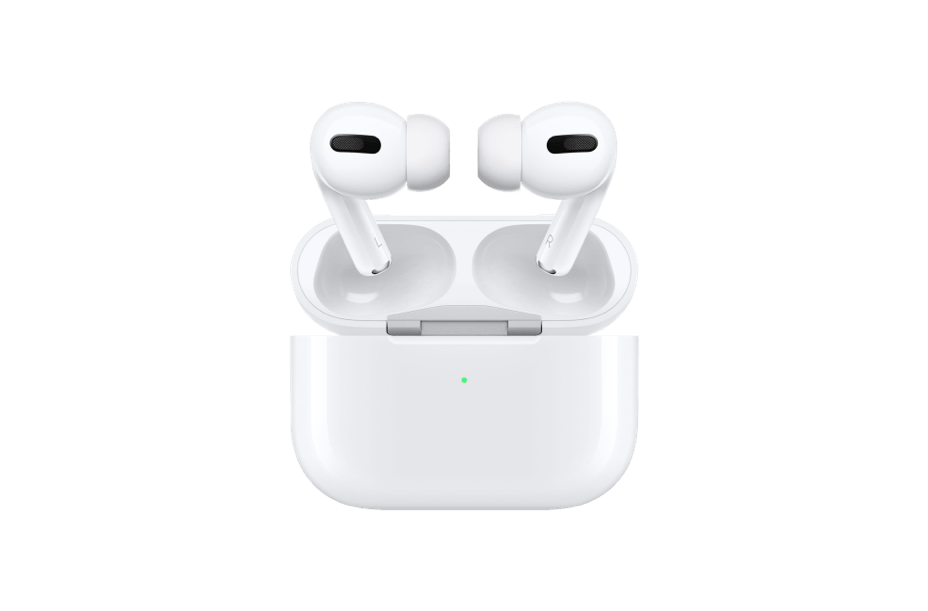
1. Reset the AirPods: Go to the Bluetooth section of your device‘s Settings and tap the (i) icon next to the AirPods Pro. Then tap ‘Forget this Device‘ and reconnect them to your device.
2. Clean the AirPods: Make sure to clean the mesh on the AirPods Pro with a dry cloth or cotton bud.
3. Update the firmware: Make sure to check for any firmware updates for the AirPods Pro and install them if available.
4. Turn off noise-canceling: Noise–canceling can sometimes cause crackling sounds. Try turning it off and see if that helps.
5. Reset the settings: You can also try resetting all the settings on the AirPods Pro by going to Settings > Bluetooth > Your AirPods Pro > Forget this Device. Then reconnect them to your device.
6. Check the software: Make sure to check for any software updates for your device and install them if available. This might help fix the issue.